Bouncy Buds - Prototype Game
This game is a project I worked on for my AI class. The purpose of the project was to have students explore AI pathfinding, state switching, and other higher-level principles for development. AI systems are used in several forms in games, like navigation aid, automated processes, and even realistic combat with enemies that 'learn'. This game explores these principles while having the player interact with the game in a memorable way. I wanted the player to feel supported by their AI buddy before feeling the need to support their buddy themself.
On top of AI principles in this game, I also experimented with Unity's shader graph system and creating custom shaders, as well as visual scripting for systems in-game. I worked on implementing multiple shaders based on research I did like linking the shader to the directional light of the scene, diffusing values, remapping values, changing texture alpha and color settings, as well as dither amounts for transparency. I used visual scripting for the majority of the player controls for movement and sprinting. This was helpful for visualizing the various processes, and I learned how to access application variables from visual scripts in C# scripts.
Notes:
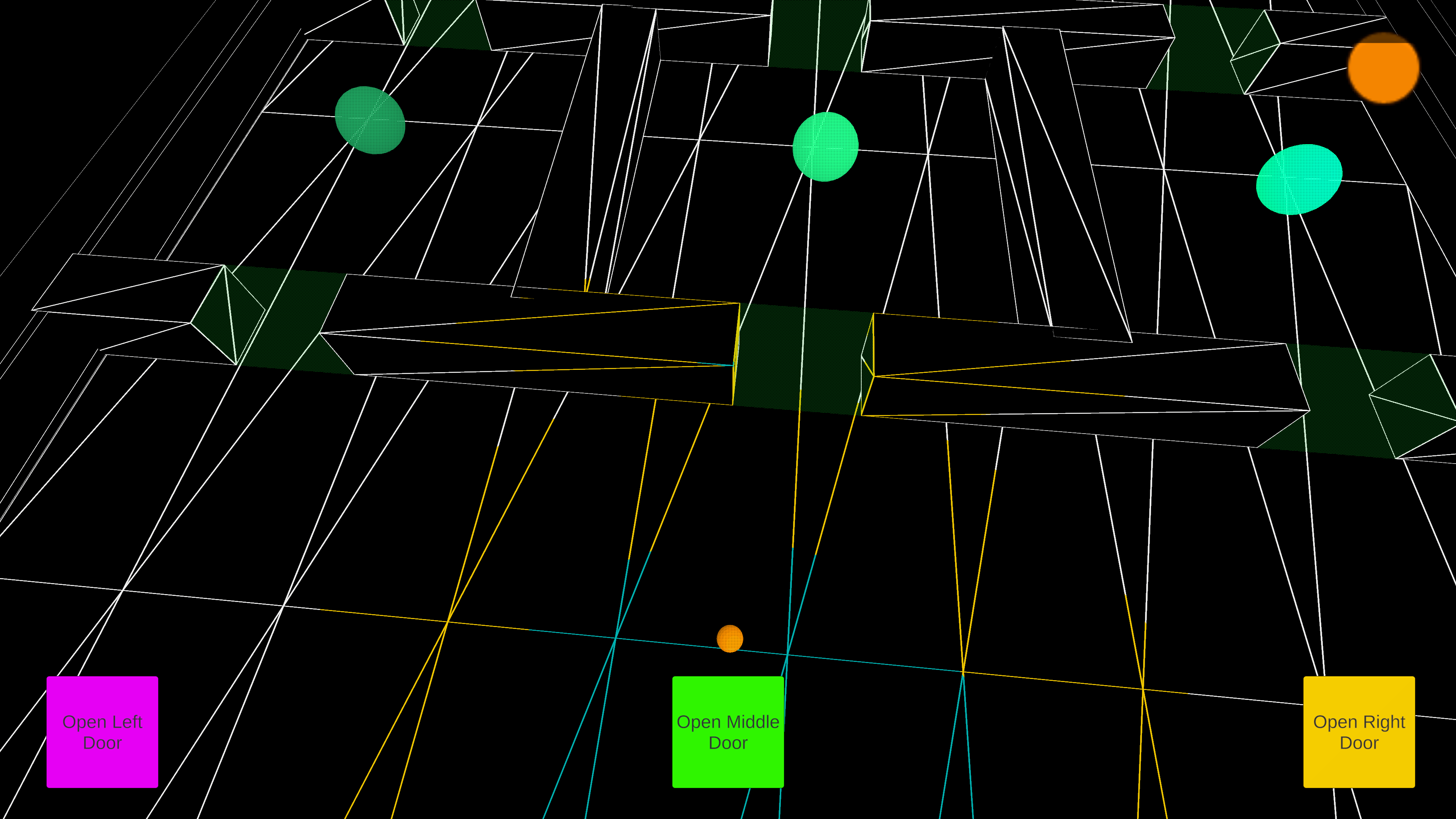
- There is a bug in the second level where the buddy will completely stop after the user selects the left door in the first set of rooms and then selects the right door in the second set of rooms.
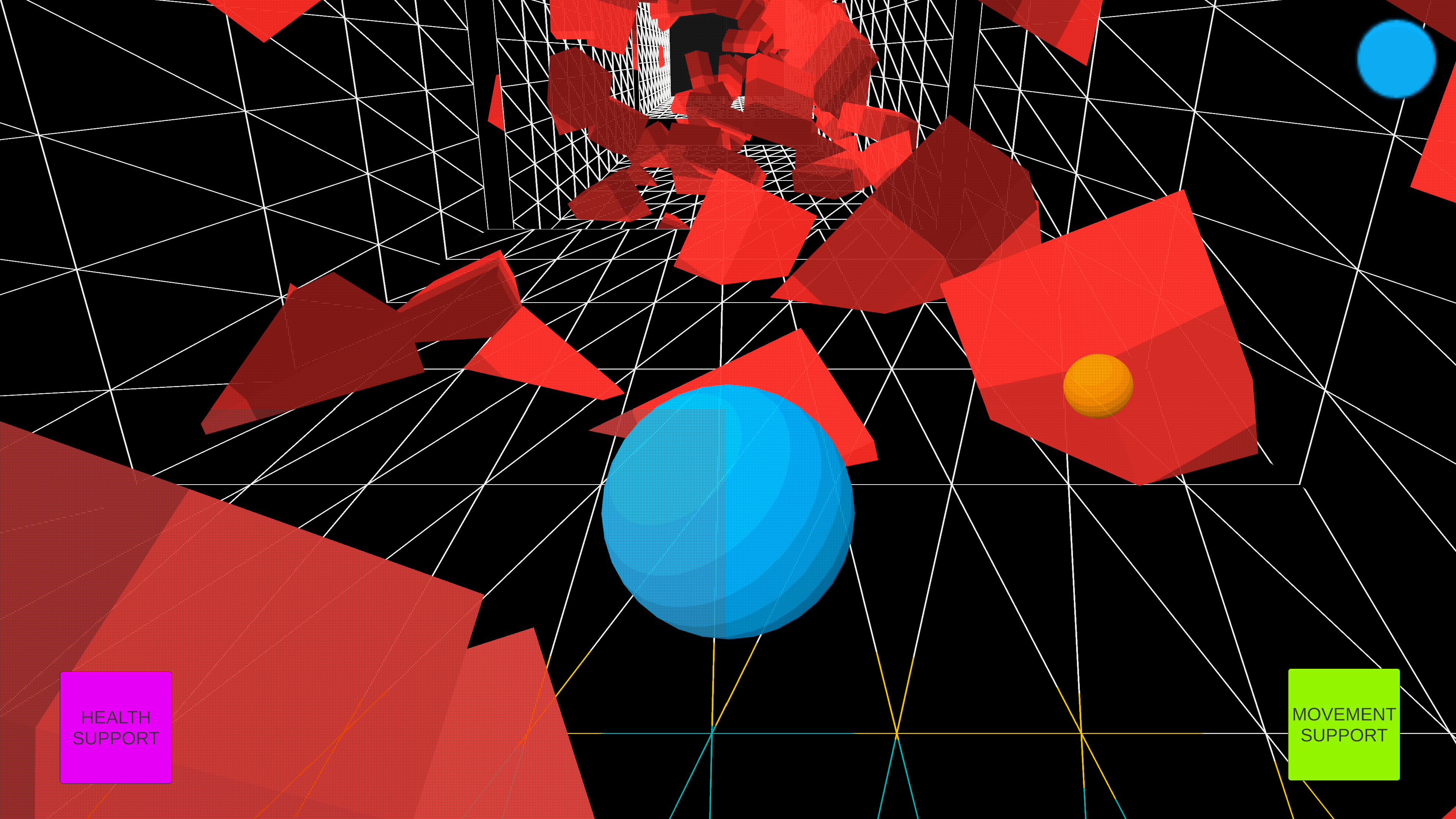
- The WebGL version was unable to load the spatial map wireframe material for the floors, walls, and ceilings of each level, so it unfortunately had to be replaced with a green texture. The downloadable build has the texture shown in the photos.
Full Credits:
Development Team:
Lead Everything: Bekah Bledsoe
Download
Install instructions
After downloading the BouncyBudsBuild.zip file, all you need to do is:
- Right click on the .zip file and select extract all.
- Select where you would like the file folder to be extracted to.
- After the file is extracted, open the folders within until you get to the application named 'Bouncy Buds'.
- Double click this application, and the game will begin running.
Development log
- Bouncy Buds UI Bug Fix - 2Dec 18, 2025
- Bouncy Buds Prototype Launch Update - 1May 30, 2025

Leave a comment
Log in with itch.io to leave a comment.